STEEL
About Neolith
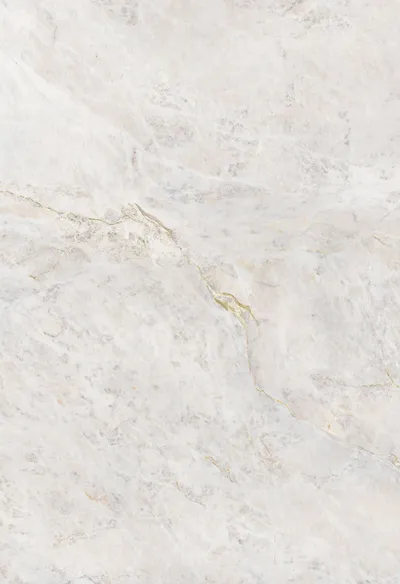
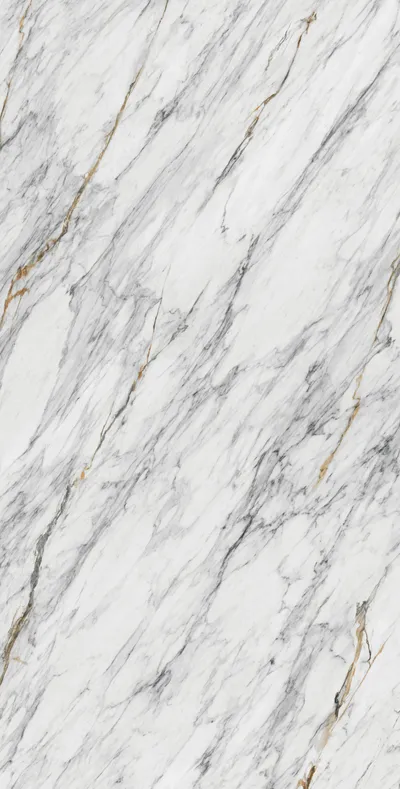
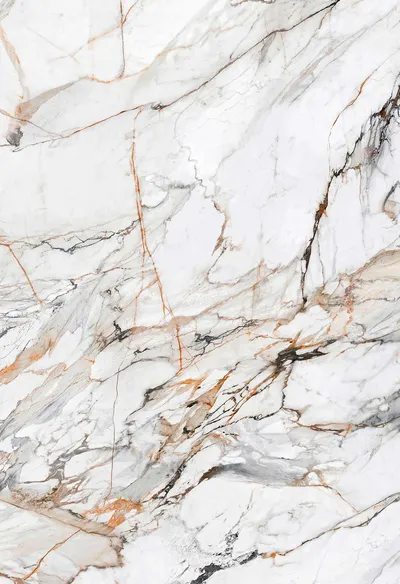
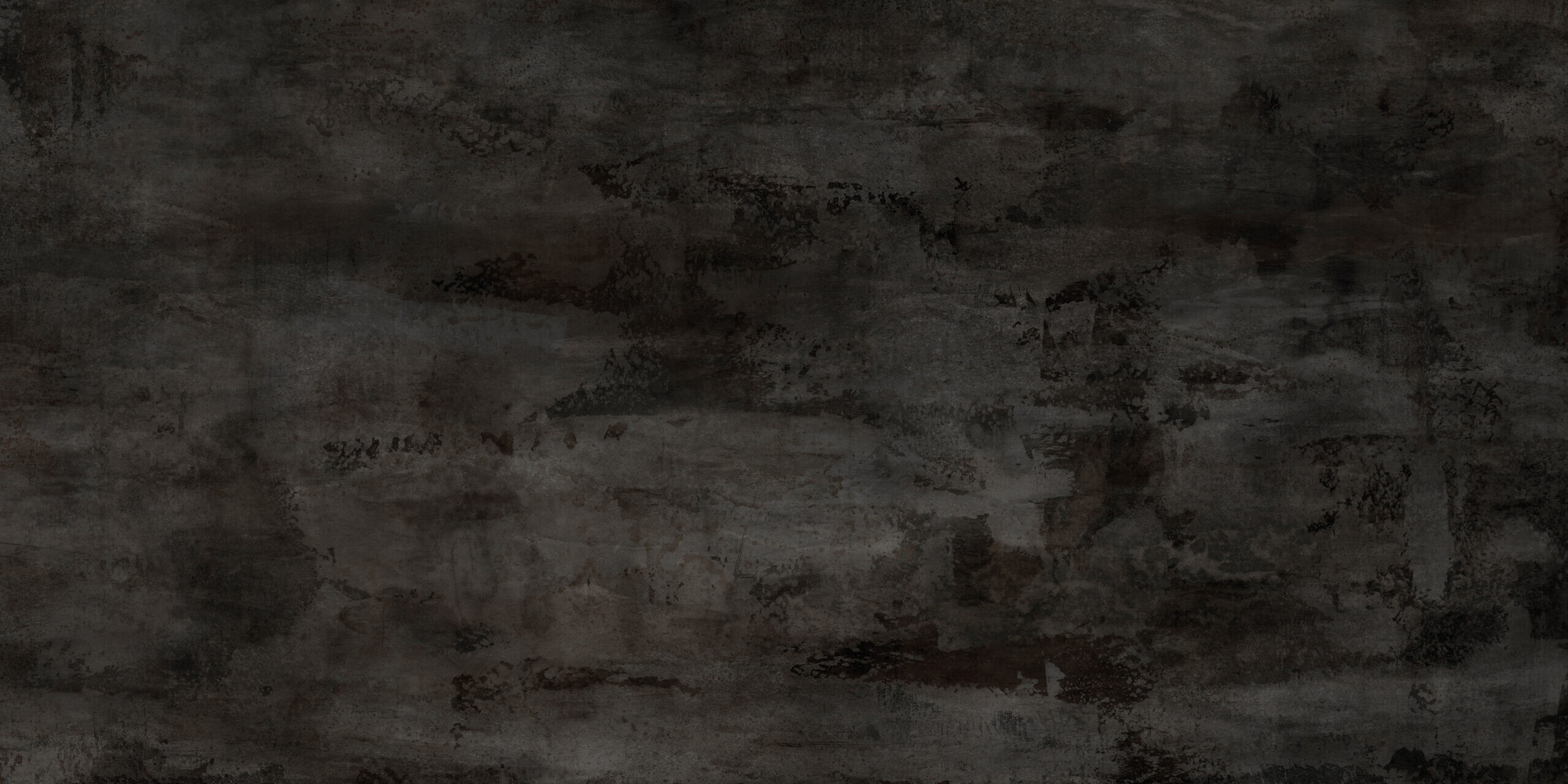
Neolith Stone and Concrete Texture is a 2D asset designed around Neolith. The listing gathers the format, material and workflow details in one place so you can confirm the fit before download.
Each entry lists its format, workflow and delivery notes in the same order, so comparing two candidates takes one pass instead of an archive dig.
- STEEL
- CLASSTONE
Key Uses
Use Neolith Stone and Concrete Texture in Neolith scenes that need a dependable asset: concept boards, look development and final interior renders.
Compare the scale and material notes on the listing with your scene brief, then keep the original archive as a fallback while you test the asset in context.
- Interior visualisation and look development.
- Client presentations and concept boards.
- Scene blocking with a clear upgrade path.
- Consistent asset sets across related rooms.
- Materials calibrated for even lighting across scenes.
- Reliable base mesh for quick client revisions.
Technical Specs
This release includes detailed Image Files provided as standard JPEG options suitable for your architectural visualisations. It integrates neatly within a Stone & Concrete or Ceramic & Porcelain context, serving well as a realistic Stone or Tile & Ceramic finish.
Open the package before you rely on it: check units, texture paths and material setup, and note anything that needs adjusting for your pipeline.
- Check compatibility with your render engine.
Pairs Well With
Combine Neolith Stone and Concrete Texture with other Neolith assets in the library to keep materials and lighting consistent across a full set.
The related assets in this library share the same formatting conventions, so several entries can be combined in a single scene without conflicting units or texture setups.
- Complementary architectural surface models.
Before You Download
A two-minute check keeps the asset useful: confirm the format, review the previews, and compare the scale with your scene.
- Match the file format to your pipeline.
- Check the preview images against your target style.
- Compare the stated scale with your scene units.
- Confirm texture and material setup after import.
- Keep an untouched copy of the original archive.

CLASSTONE