STEEL
About Stone
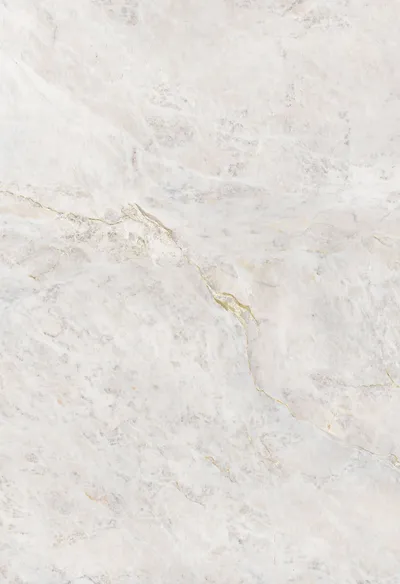
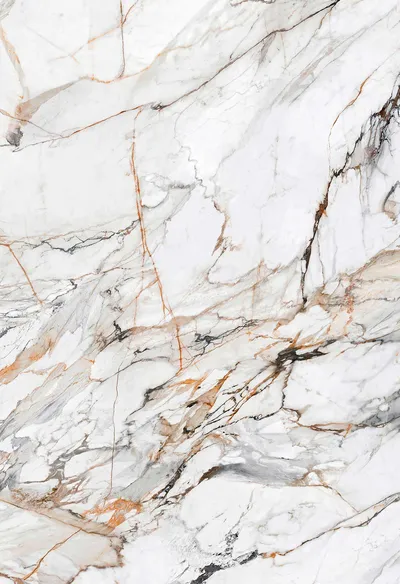
Neolith Stone and Concrete Texture is a 2D Asset for Stone. Attached catalog terms place it inside the Stone & Concrete, Texture, Neolith, Image Files and JPEG group, so you can compare it with nearby entries before downloading.
, such as subject, style, or intended workflow.
Suggested use cases
Reach for Neolith Stone and Concrete Texture while blocking out scenes that call for Stone. It suits concept passes, mood boards, and early comparison work where speed matters more than final detail.
Match the asset against your own brief before committing it to a scene. Compare scale, silhouette, and material intent against Stone & Concrete, Texture, Neolith, Image Files and JPEG, then decide whether the entry belongs in the current shot list.
- Concept development and visual reference gathering.
- ArchViz mood boards and asset comparisons.
- Scene planning based on attached categories and tags.
- Organising related resources for later review.
Workflow and compatibility notes
This entry is tagged standard workflow with JPEG files. Those two fields are the catalog’s own record of how the asset was prepared and packaged.
Confirm the delivered package before you rely on it. Open the files, check units and naming, and verify material or texture paths.
Explore related resources
Entries sharing Stone & Concrete, Texture, Neolith, Image Files and JPEG sit closest to Neolith Stone and Concrete Texture in the catalog. Use those terms to move sideways into comparable subjects, styles, or formats.
Start from the focus term and narrow with the workflow or format that matches your scene. Every related entry keeps its own page, so check each one before assuming the same delivery or quality.
Before using this resource
Skim the preview images and the term list first. They tell you whether Neolith Stone and Concrete Texture matches the scale and style your scene needs before you spend time on the download.


CLASSTONE